The world of content creation is moving faster than ever, and video sits right at the center of it. Whether you are a YouTuber, social media influencer, or just someone who loves editing personal clips, having professional tools at your fingertips makes all the difference. That’s exactly what Adobe Premiere mobile app is bringing to iPhone users—a free, powerful, and pro-level video editing experience designed for both beginners and professionals.
For years, Adobe Premiere Pro has been the gold standard in desktop editing, used by filmmakers, marketing professionals, and video creators worldwide. Now, Adobe is extending that same creative power to mobile devices with the Premiere Pro iPhone app, giving creators freedom to start, edit, and finish videos anytime, anywhere.
In this detailed blog, we’ll break down everything you need to know about this free video editing app, its features, AI tools, creative resources, and why it could change the way you edit and share videos.
Why Adobe Premiere Mobile App Matters
The rise of short-form video content has transformed the digital landscape. Platforms like TikTok, Instagram Reels, and YouTube Shorts demand quick yet high-quality content. But creating polished videos on mobile has always been a challenge. Many free video editors either limit features behind paywalls or compromise on quality.
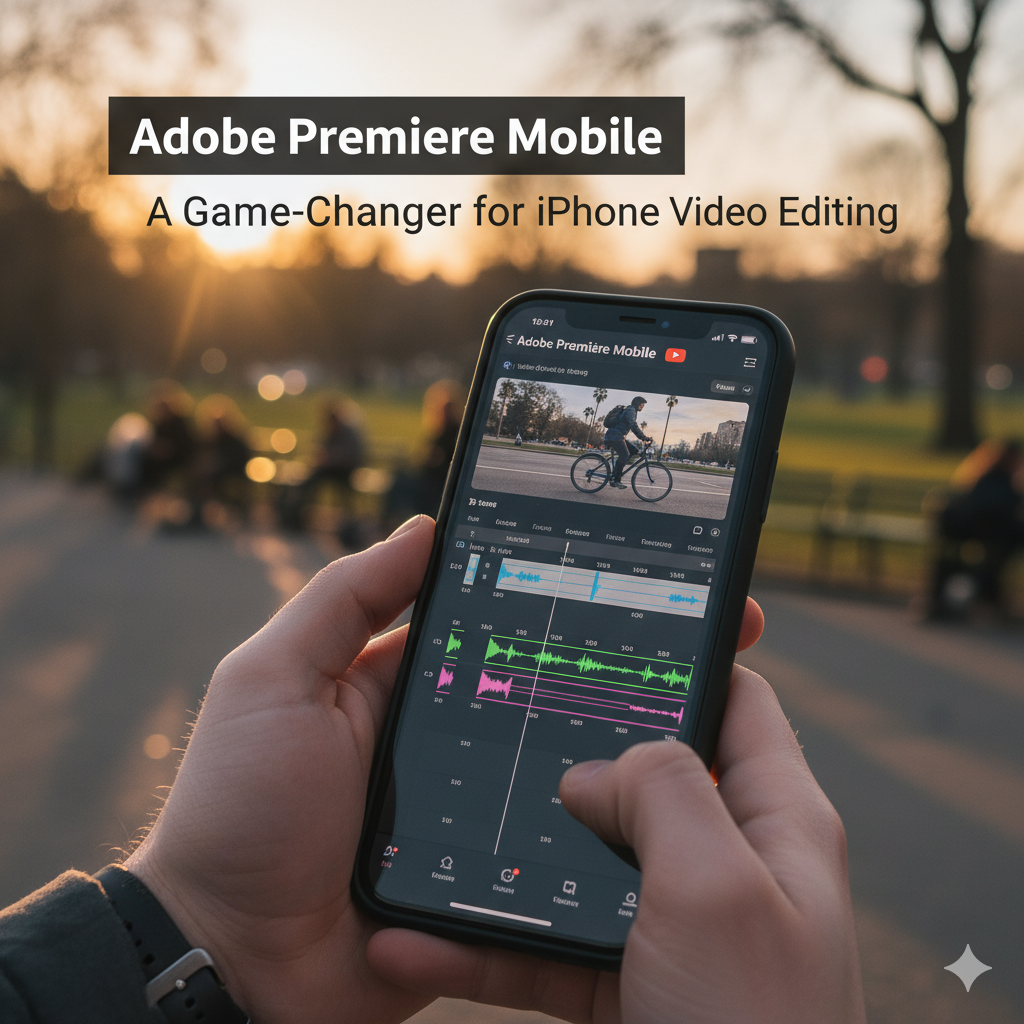
With the Adobe Premiere mobile app, users get access to advanced editing features—usually only available on desktop software—right on their iPhone. Even more, it seamlessly integrates with Premiere Pro on desktop, meaning you can start a project on the go and finish it later on your computer.
This flexibility solves a long-standing problem for creators: editing bottlenecks. You no longer need to wait until you’re back at your desk to refine your clips. Instead, the editing process follows you, making video creation truly mobile.
Adobe Premiere Mobile App Features
Let’s explore the standout features of the Premiere Pro iPhone app that make it one of the most powerful free tools available for creators today.
1. Multi-Track Timeline with 4K HDR Editing
The app comes with an infinite multi-track timeline, giving you flexibility similar to desktop editors. Whether you’re layering audio, cutting clips, or syncing transitions, the interface feels smooth and professional. And yes—it supports 4K HDR editing, ensuring your videos look sharp and cinema-quality, even on mobile.
2. Frame-Accurate Editing & Motion Effects
Precision is key in video editing. The Premiere mobile app offers frame-accurate editing, meaning you can fine-tune cuts down to the smallest detail. Combined with fluid speed controls and motion effects, your videos can have that professional polish usually seen in high-budget productions.
3. Animated Subtitles & Backdrop Removal
Captions and subtitles are vital for social media engagement. Adobe makes this easy with animated subtitles that instantly grab attention. There’s also a backdrop removal tool powered by AI—perfect for replacing messy backgrounds without requiring a green screen.
4. AI Audio Tools for Studio-Level Sound
One of the most exciting features is AI-powered audio editing. With tools like Enhance Speech, you can make voiceovers sound crystal clear, even if recorded in noisy environments. Plus, Generative Sound Effects let you add perfectly timed audio elements to match your video cuts.
5. Generative AI for Visual Creativity
Adobe is pushing the limits with AI integration. You can now use AI to expand backdrops, convert images into videos, and generate stickers that fit your creative vision. These features save time and help creators stand out with unique content.
6. Free Creative Assets
The app also unlocks millions of free resources—photos, stickers, fonts, and royalty-free audio files. Instead of hunting across multiple platforms, you get everything you need directly inside the app.
7. Easy Social Media Export
Perhaps the most practical feature is single-swipe export for all major social media platforms. Whether you’re posting on TikTok, Instagram, or YouTube Shorts, the app automatically adjusts aspect ratios while keeping your subject in focus. No more re-editing for each platform—it’s all handled within the app.
How Adobe Premiere Mobile App Helps Creators
The Premiere Pro iPhone app isn’t just about features—it’s about making video editing accessible and efficient for everyone. Here’s why it matters:
Beginner-Friendly: Even if you’re new to editing, the clean interface and built-in templates make it easy to start.
Professional Flexibility: Advanced features ensure that even professional editors can rely on it for quick edits on the go.
Time-Saving: Cross-platform editing means less waiting and more creating.
AI Support: Tools like Enhance Speech and Backdrop Removal cut down on manual editing time.
Social-Ready: With instant exports tailored for each platform, sharing becomes effortless.
Adobe vs Other Free Video Editing Apps
While there are many free video editors available on iPhone, few can match the Adobe Premiere mobile app in terms of features and integration. For example:
iMovie is beginner-friendly but lacks pro-level tools.
CapCut is popular but often criticized for privacy concerns and watermark limitations.
VN Video Editor has flexibility but doesn’t integrate with desktop apps.
Adobe Premiere stands out because it combines professional tools, AI capabilities, and desktop integration in a single, free package.
Who Should Use Adobe Premiere Mobile App?
This app is designed for:
Content Creators – Social media influencers, YouTubers, and streamers.
Business Owners – Small businesses creating promotional videos.
Students & Educators – For projects and learning video production.
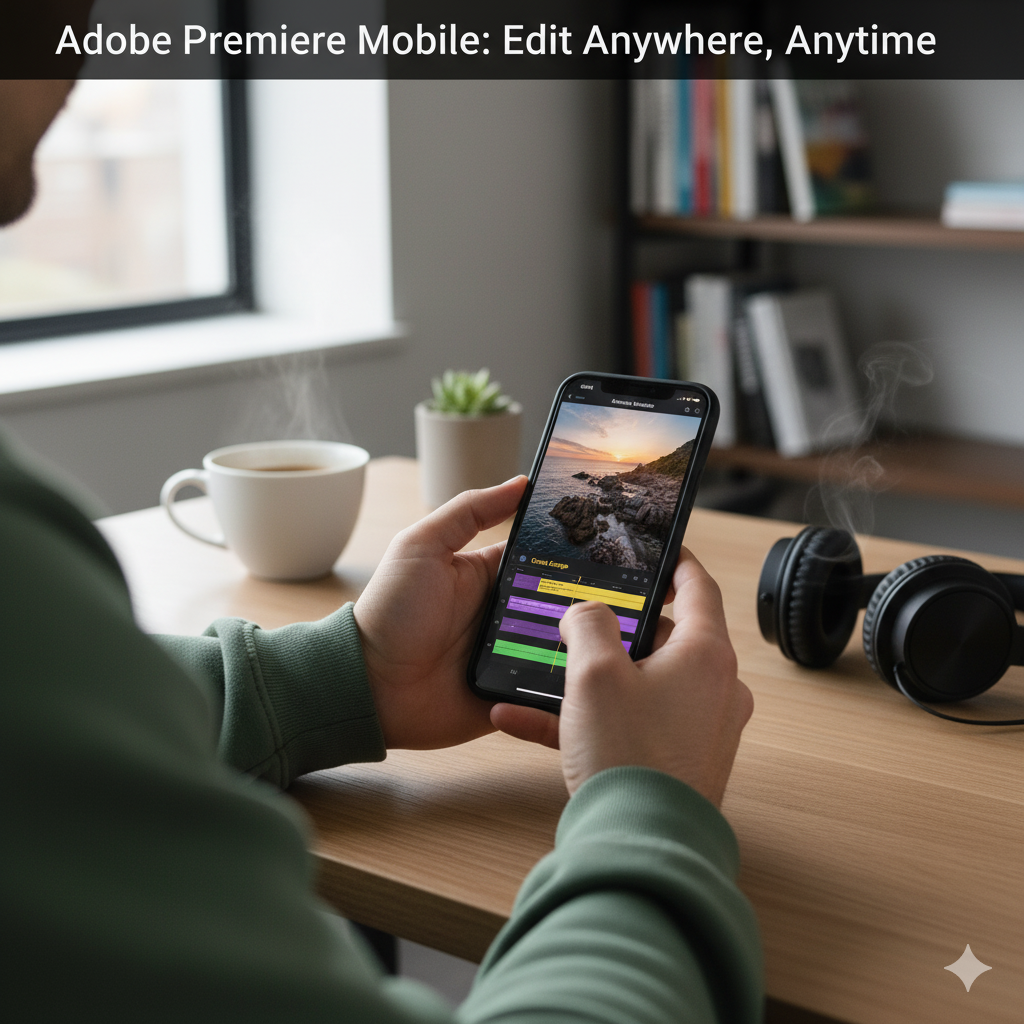
Travelers & Vloggers – Edit on the go without waiting for a laptop.
Professional Editors – Quick mobile edits before final desktop polishing.
Getting Started with Adobe Premiere Mobile App
Download from App Store: The app is free for iPhone users.
Sign in with Adobe ID: This ensures cross-platform sync.
Import Media: Add photos, clips, and audio from your phone or cloud.
Edit with Timeline: Use multi-track tools, effects, and AI features.
Export & Share: Save or directly post to Instagram, TikTok, or YouTube.
Future of Mobile Video Editing
The release of the Adobe Premiere mobile app highlights a big shift in content creation. Mobile devices are no longer just for consuming content—they’re becoming full-fledged creative studios. As AI becomes more advanced, expect even more automation and customization in mobile editing tools.
Adobe is clearly betting on a future where mobile and desktop editing work hand-in-hand, giving creators maximum flexibility.
Internal Links
Final Thoughts
The Adobe Premiere mobile app is more than just another free editor. It’s a complete creative toolkit designed for today’s fast-paced, video-driven world. By combining AI-powered tools, cross-platform collaboration, professional-level features, and easy social media exports, Adobe has given creators a serious reason to celebrate.
Whether you’re a beginner experimenting with video editing or a pro who wants flexibility on the go, this Premiere Pro iPhone app could easily become your new favorite creative partner.